




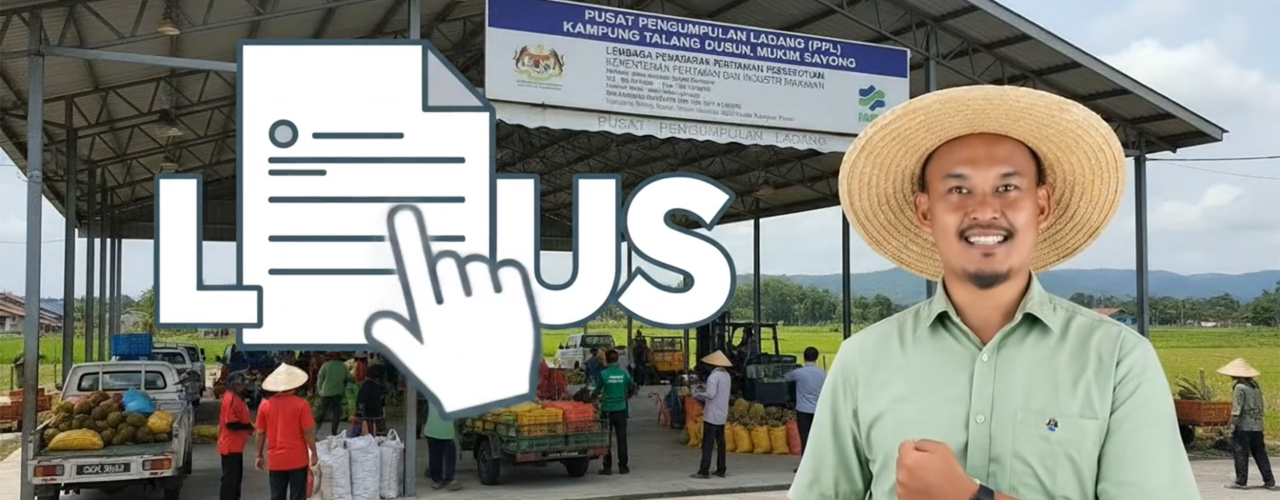
Sistem pengurusan pendaftaran pemasar, permohonan perkhidmatan, pemantauan, penilaian dan pelaporan pemasaran hasil pertanian.




List of Courses
Kursus Pengurusan Perolehan Kerajaan
Anjuran : Kementerian
04/08/2025 hingga 08/08/2025
Maklumat LanjutDomestic Program Participation

AGRO MADANI CARNIVAL
Jam
Date
2/5/2024 - 2/6/2024
Location
Pasar Tani Kekal Seberang Jaya

AGRO MADANI SALES
Agrofiesta
Date
4/7/2024 - 7/7/2024
Location
Tapak Parking Pintu Masuk Centre Court Aeon Mall Bandaraya Melaka
Overseas Program Participation
International Food & Drink Event (Ife)
Trade Show
Date
25/3/2024 - 27/3/2024
Location
Excel, London
Speciality Food & Drink Asia
Trade Show
Date
26/6/2024 - 28/6/2024
Location
Marina Bay Sands, Singapore
How to Apply
Register for an iFAMA Account
Register an account via email or MyDigital ID to initiate access to the system.
Complete Basic Information
Fill in basic information according to the account type, either Individual or Company.
Complete Business Activity Information
Enter your business activity details accurately and completely.
Submit a Service Application
Select the required service and submit the application through the system.
Provide Feedback on Applications
Provide the necessary feedback for the services that have been submitted.
Frequently Asked Questions (FAQ)
iFAMA is an integrated portal developed by the Federal Agricultural Marketing Authority (FAMA) to manage marketer registration, service applications, monitoring, evaluation and reporting of agricultural product marketing.
Through iFAMA, users can access all FAMA services digitally, quickly and in an organized manner.
All individuals or companies involved in the agricultural produce marketing chain must be registered as marketers in iFAMA.
These include:
- Producers, farmers and ranchers
- Collectors and middlemen
- Wholesaler & retailer
- Distributors, exporters and importers
- Processors, manufacturers & packers
- Graders and transporters
- Operator of collection, distribution & storage centers
- Overseas users (new category)
Registration is a mandatory requirement under Act 141 – Marketer Registration Regulations.
iFAMA provides access to 53 FAMA services which include:
- Marketing licensing & approval
- Market support & promotion
- Use of FAMA facilities
- Grading, packaging & labeling
- Detection, declaration & compliance with the act
- Technical support services and entrepreneurial development
Each service is displayed by cluster to make searching easier.
Users need to:
- Register as a marketer in iFAMA
- Log in and select the service you want to apply for.
- Upload the required supporting documents
- Submit an application for assessment
- Check application status in real time via user dashboard
All notifications and updates will be sent through the system.
The application will go through several stages:
- Eligibility assessment by officer
- Acceptance of offer by applicant (undertaking / additional information)
- Preparation of official documents such as offer letters or agreements
- Final approval based on service conditions
- Payment of deposit or fee (if applicable)
FAMA carries out monitoring through two main modules:
- iMarketer – assessing marketers' performance, output and outcomes
- eMarketer – checking declarations, random inspections & compliance with the act
This information is recorded in the system as a reference for ongoing evaluation.
Yes, users may access Reporting & Dashboard within iFAMA to:
- View application status
- Monitor performance and compliance records
- Get a brief or detailed report
- Check service history
Users can contact:
- iFAMA Help Desk
- State / District FAMA Office
- Email support
- FAMA Hotline